La Trencería
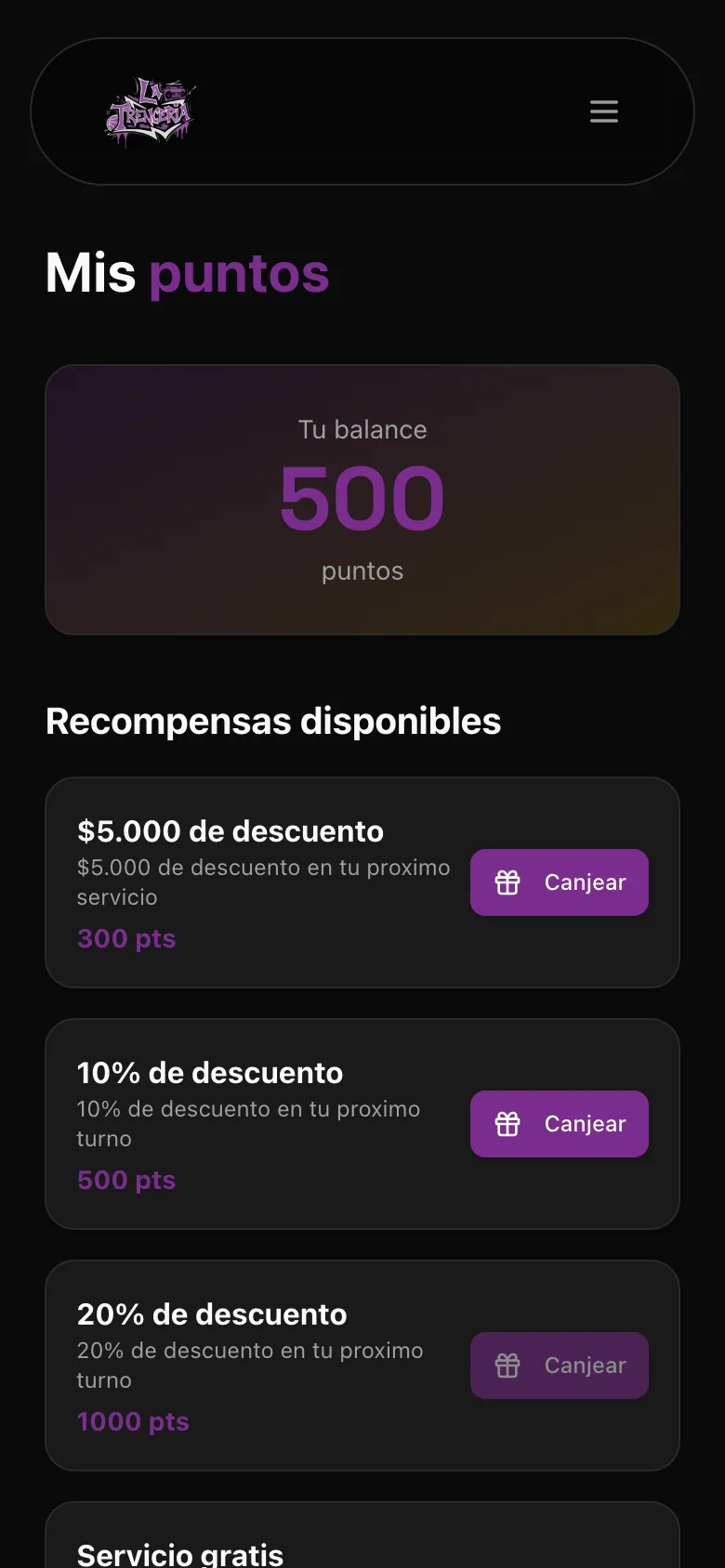
A branded web app for an afro-braiding studio in Mar del Plata: online booking, a shop, paid courses and loyalty points, installable on the phone.
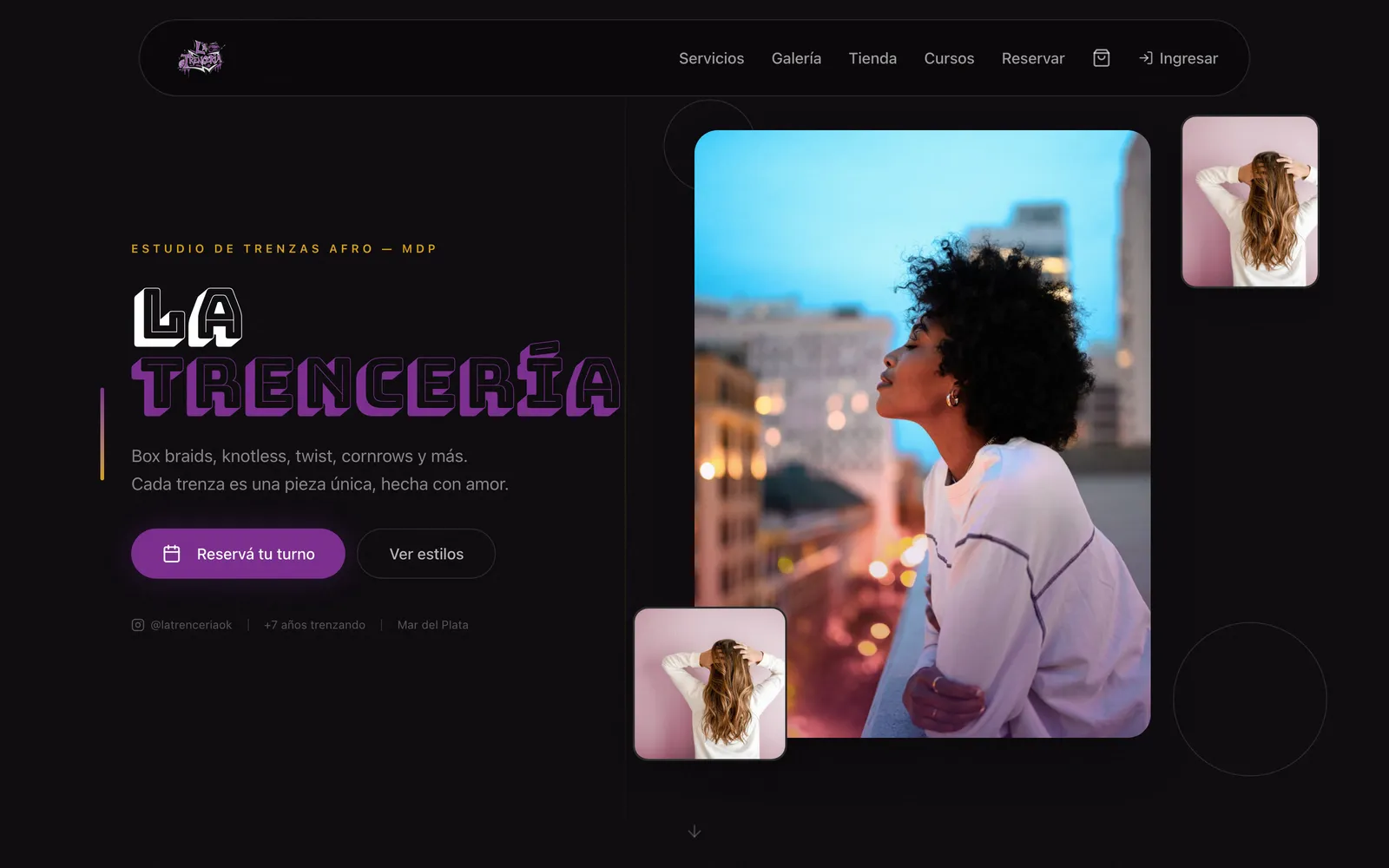
Katia ran the studio from Instagram and WhatsApp. Every booking was a chat, the same questions about prices and duration came every day, and no-shows cost her hours she could not fill. She wanted to sell recorded courses and hair products, and had no place to do it. She needed one app with her brand that she could run alone, from her phone, without asking a developer to change a text.
Three decisions that shaped it.
- 01
A Postgres lock per stylist stops double bookings
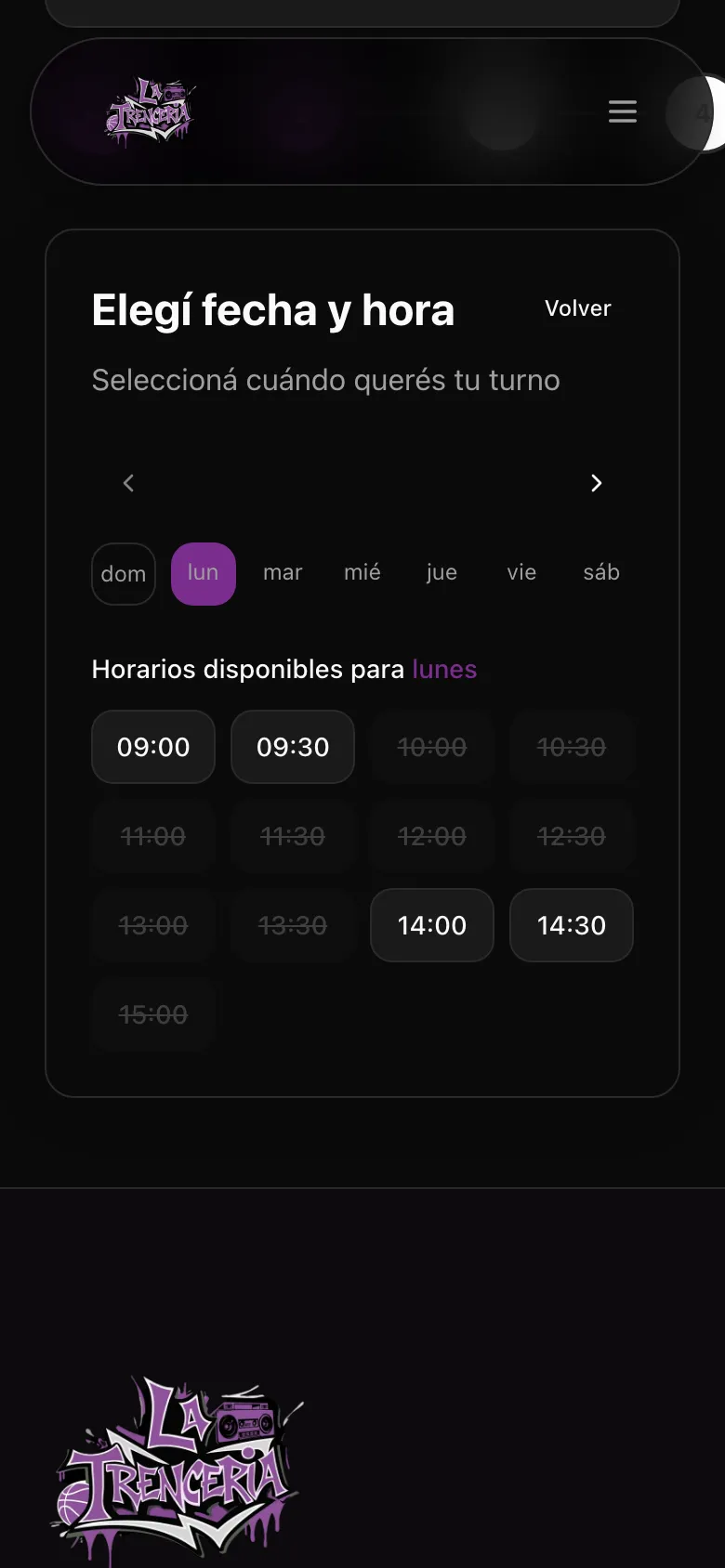
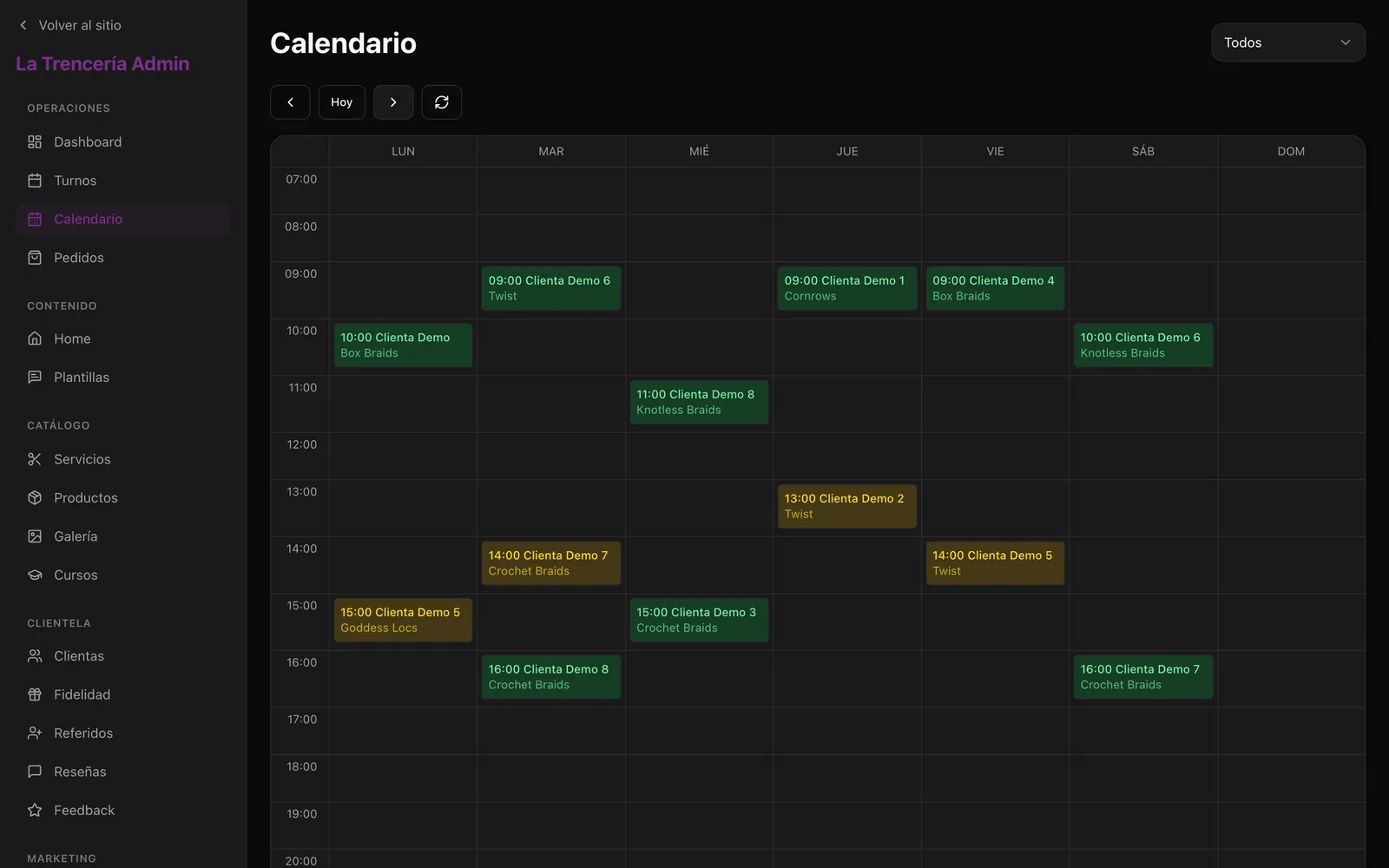
Why. Checking a slot and then saving it leaves a gap where two people get the same hour. The booking runs in one transaction that first takes an advisory lock on the stylist, then looks for any overlap and only then creates the appointment. The second request waits and gets a clear 409. Loyalty redemptions use the same pattern per customer, so two taps can't spend the same points twice.
Trade-off. All bookings for one stylist go one at a time. With one studio that costs nothing, but it would not scale to a marketplace. The lock lives in raw SQL, outside what Prisma models, so it has to be kept in mind on every new write path.
- 02
Static public pages, purged by tag when the admin saves
Why. The site runs on a free hosting plan, so the public pages are built static and their reads are cached under six tags: home, services, products, gallery, courses and reviews. Each admin save purges only its tag, with immediate expiry, so Katia sees her change on the next load. Before, one save invalidated the whole layout tree.
Trade-off. Every admin route has to purge the right tag; a missing call means a stale page and nothing fails. There are 41 of those calls in 27 files. Immediate expiry also means one full render per save.
- 03
Texts and messages are settings, with defaults in code
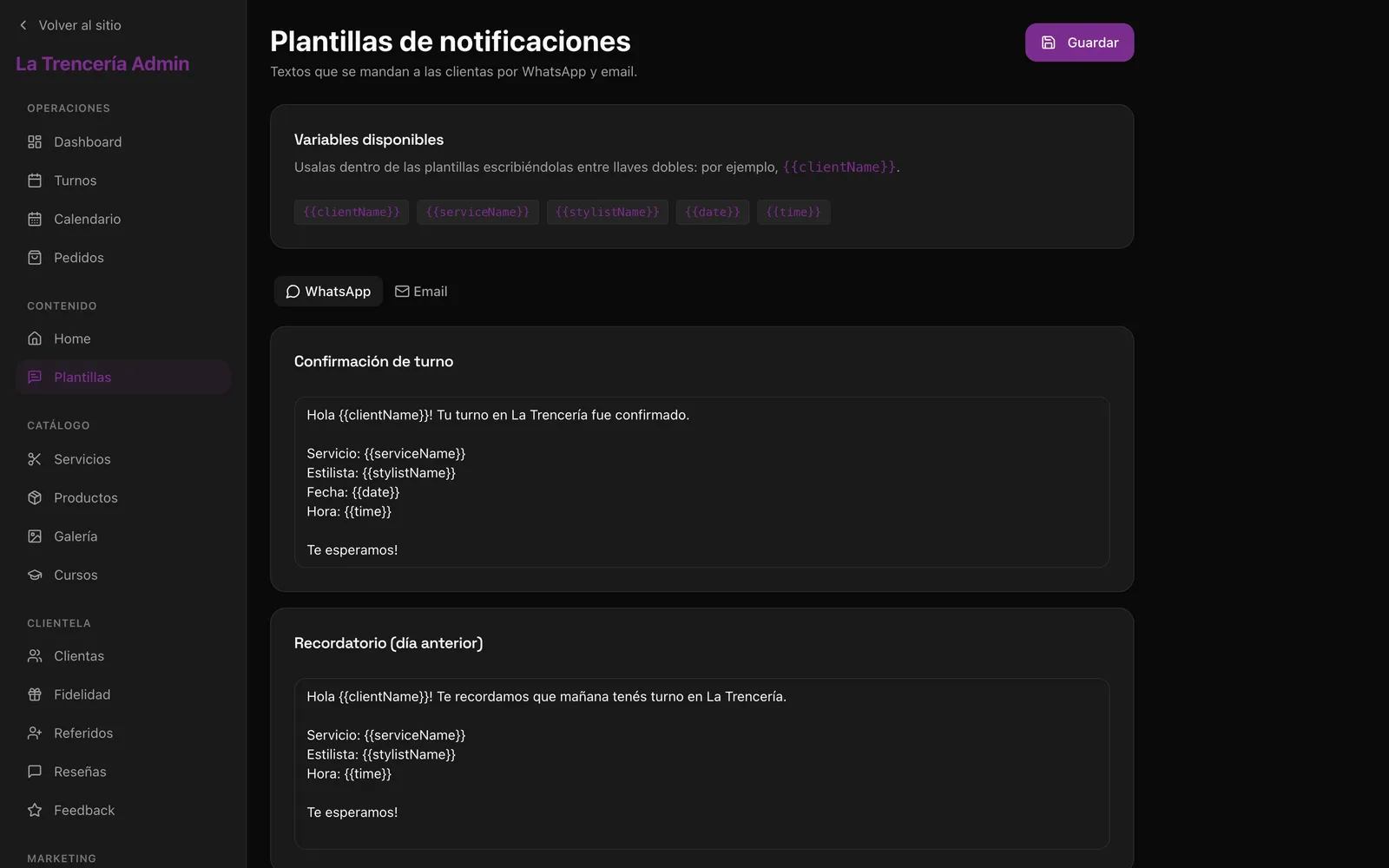
Why. The home page copy, photos, testimonials and the nine WhatsApp and email templates live as key-value rows. The code ships a default for each key and uses the stored value when there is one. Katia rewrites the confirmation message or swaps the hero photo herself, and an empty database still renders a complete site.
Trade-off. Values are plain strings with no history, so a bad edit can't be undone from the panel. The set of fields is still fixed in code: a new section on the home page needs a developer.
La Trencería
A branded web app for an afro-braiding studio in Mar del Plata: online booking, a shop, paid courses and loyalty points, installable on the phone.
- Role
- Full build for a client
- Stack
- Next.js 16, React 19, TypeScript, Prisma + Postgres, Auth.js (NextAuth v5), Mercado Pago, Tailwind CSS 4
Katia ran the studio from Instagram and WhatsApp. Every booking was a chat, the same questions about prices and duration came every day, and no-shows cost her hours she could not fill. She wanted to sell recorded courses and hair products, and had no place to do it. She needed one app with her brand that she could run alone, from her phone, without asking a developer to change a text.
Three decisions that shaped it.
A Postgres lock per stylist stops double bookings
Why. Checking a slot and then saving it leaves a gap where two people get the same hour. The booking runs in one transaction that first takes an advisory lock on the stylist, then looks for any overlap and only then creates the appointment. The second request waits and gets a clear 409. Loyalty redemptions use the same pattern per customer, so two taps can't spend the same points twice.
Trade-off. All bookings for one stylist go one at a time. With one studio that costs nothing, but it would not scale to a marketplace. The lock lives in raw SQL, outside what Prisma models, so it has to be kept in mind on every new write path.
Static public pages, purged by tag when the admin saves
Why. The site runs on a free hosting plan, so the public pages are built static and their reads are cached under six tags: home, services, products, gallery, courses and reviews. Each admin save purges only its tag, with immediate expiry, so Katia sees her change on the next load. Before, one save invalidated the whole layout tree.
Trade-off. Every admin route has to purge the right tag; a missing call means a stale page and nothing fails. There are 41 of those calls in 27 files. Immediate expiry also means one full render per save.
Texts and messages are settings, with defaults in code
Why. The home page copy, photos, testimonials and the nine WhatsApp and email templates live as key-value rows. The code ships a default for each key and uses the stored value when there is one. Katia rewrites the confirmation message or swaps the hero photo herself, and an empty database still renders a complete site.
Trade-off. Values are plain strings with no history, so a bad edit can't be undone from the panel. The set of fields is still fixed in code: a new section on the home page needs a developer.